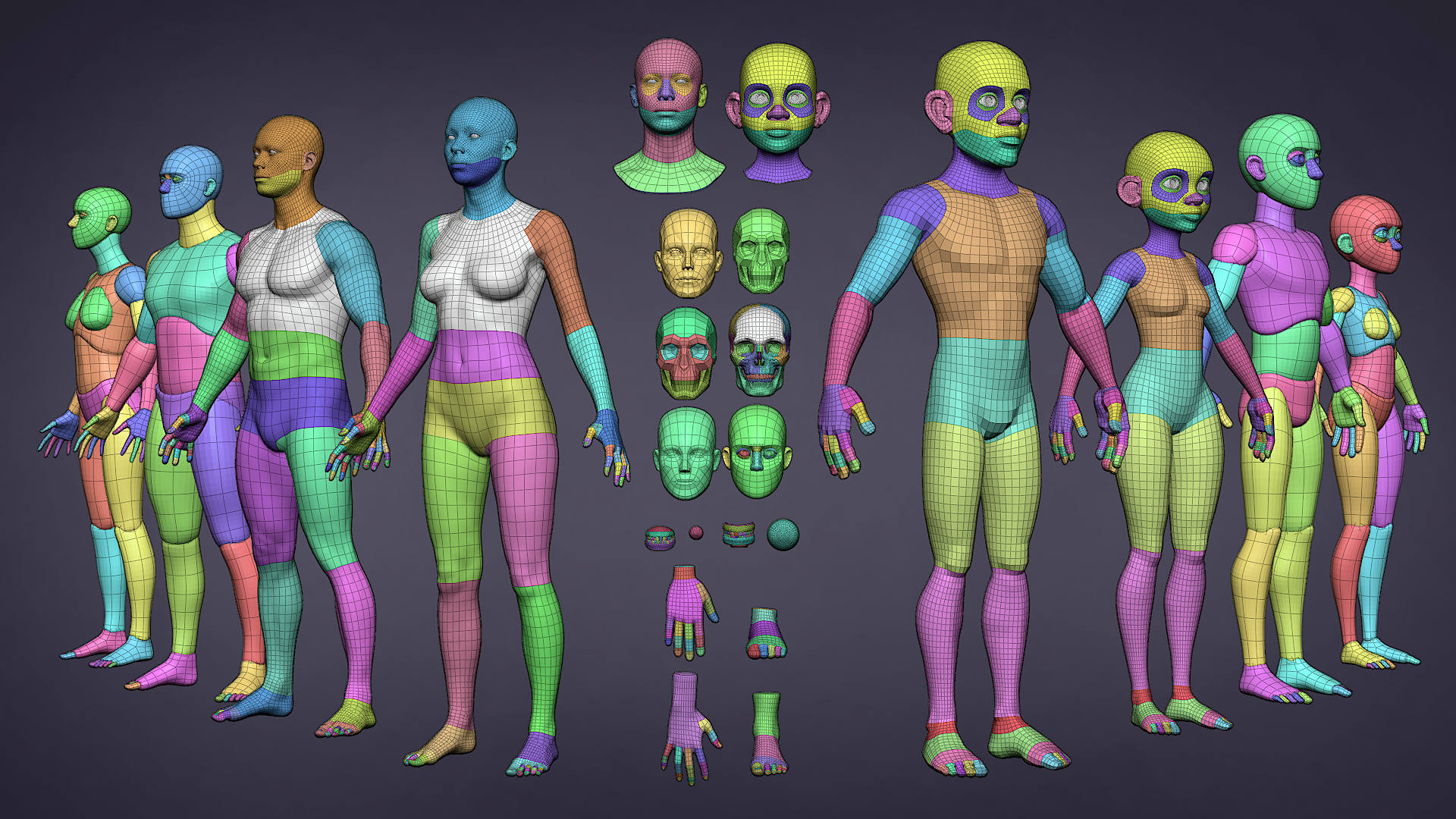
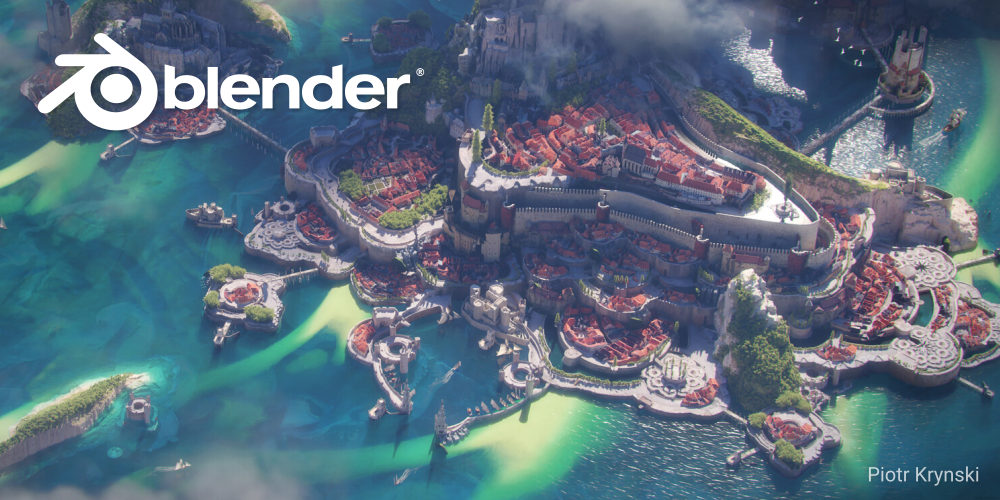
Every time a new version of Blender is released, something exciting happens behind the scenes—a splash screen contest. That beautiful artwork you see when Blender first opens? That’s the result of dozens (sometimes hundreds) of artists competing for the spotlight.
The winning image becomes Blender’s new “home screen,” representing the version and its identity. And because Blender has had over 40 official releases, that means there are dozens of splash screen artworks—each tied to a downloadable .blend project.

🎨 These aren’t just images—many of them are full project files, complete with materials, lighting, and scene setups. And you can get your hands on all of them.
📦 Where to Find Them?
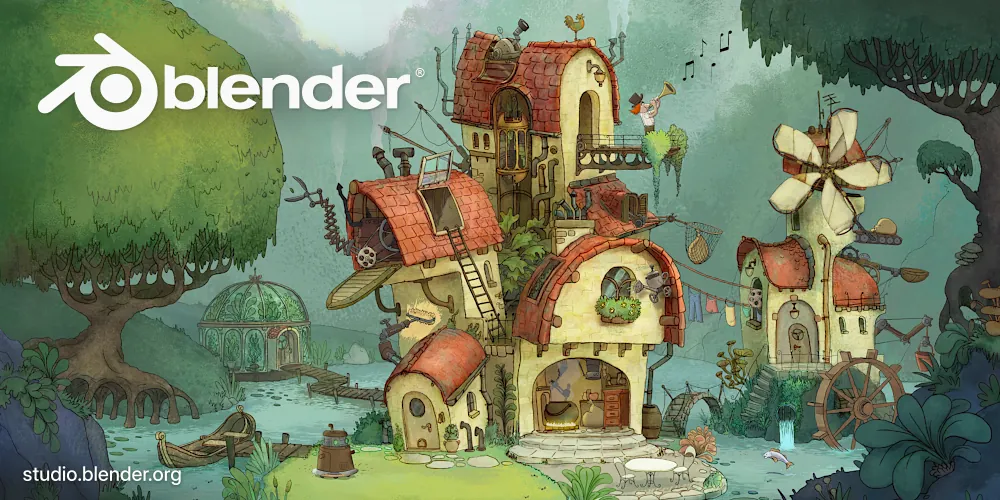
All these projects—and more—live on the Blender Demo Files page. It’s a massive archive of:
- Splash screen scenes from previous Blender releases
- Benchmark files (like the famous BMW27)
- Geometry Nodes demos
- Simulation test scenes
- Full open movie character rigs and environments
🏆 Why It’s Worth Exploring
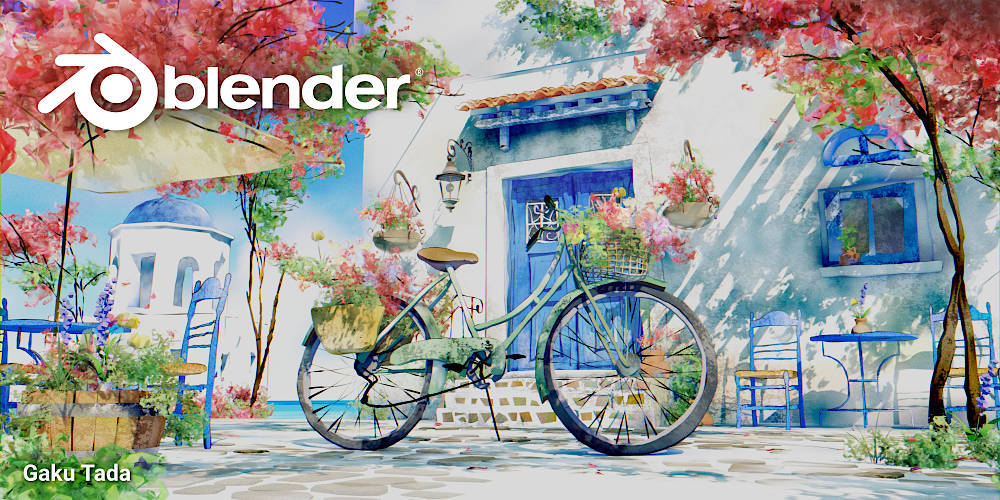
- ✅ See how the pros do it: Learn how lighting, materials, and composition are handled in real production-ready scenes.
- 💻 Test your PC: Load up the latest splash screen project and see how your system handles complex shaders and geometry.
- 🎓 Study & Reverse-Engineer: Get a firsthand look at how Blender artists structure their scenes—from organization to render settings.
✨ A Few Favorites from the Splash Screen Archive
- Blender 3.0 Splash – A dreamy sci-fi landscape full of glowing tech and moody lighting.
- Blender 2.9x Splash – A stylized bedroom scene rendered in Eevee, showing off real-time capabilities.
- Blender 2.8 Splash – A cyberpunk cityscape that introduced the new UI redesign in style.
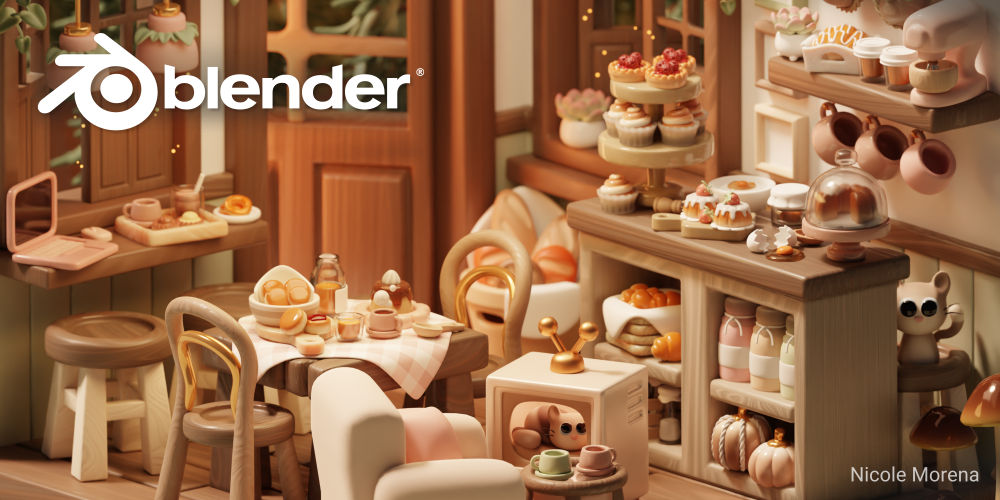
All of these are downloadable and fully editable—meaning you can poke around the shader nodes, light setups, and camera tricks used to bring them to life.
🚀 Start Downloading
If you're looking for inspiration, a way to study high-level 3D art, or just want to benchmark your PC with real production scenes, this is where you start:
👉 https://www.blender.org/download/demo-files/
Whether you’re a beginner or a pro, you’ll learn a ton just by opening up these .blend files.