
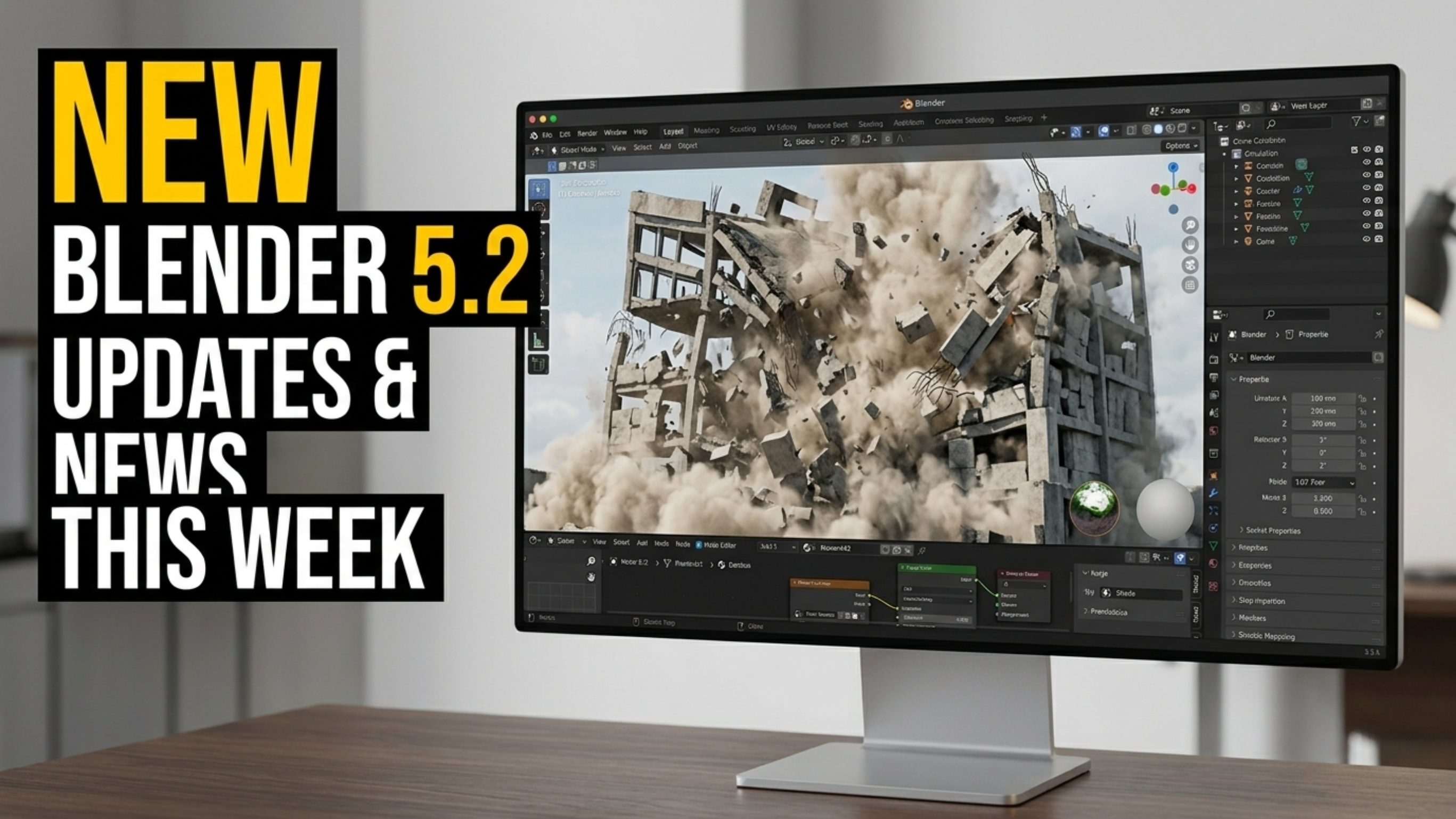
Blender isn’t just a 3D modeling tool — it’s an entire production studio packed into one free, open-source program. Whether you’re making a movie, building a game, designing architecture, or just having fun with physics simulations, Blender can probably do it. So let’s take a ride through everything Blender can do… in one video.
Modeling:
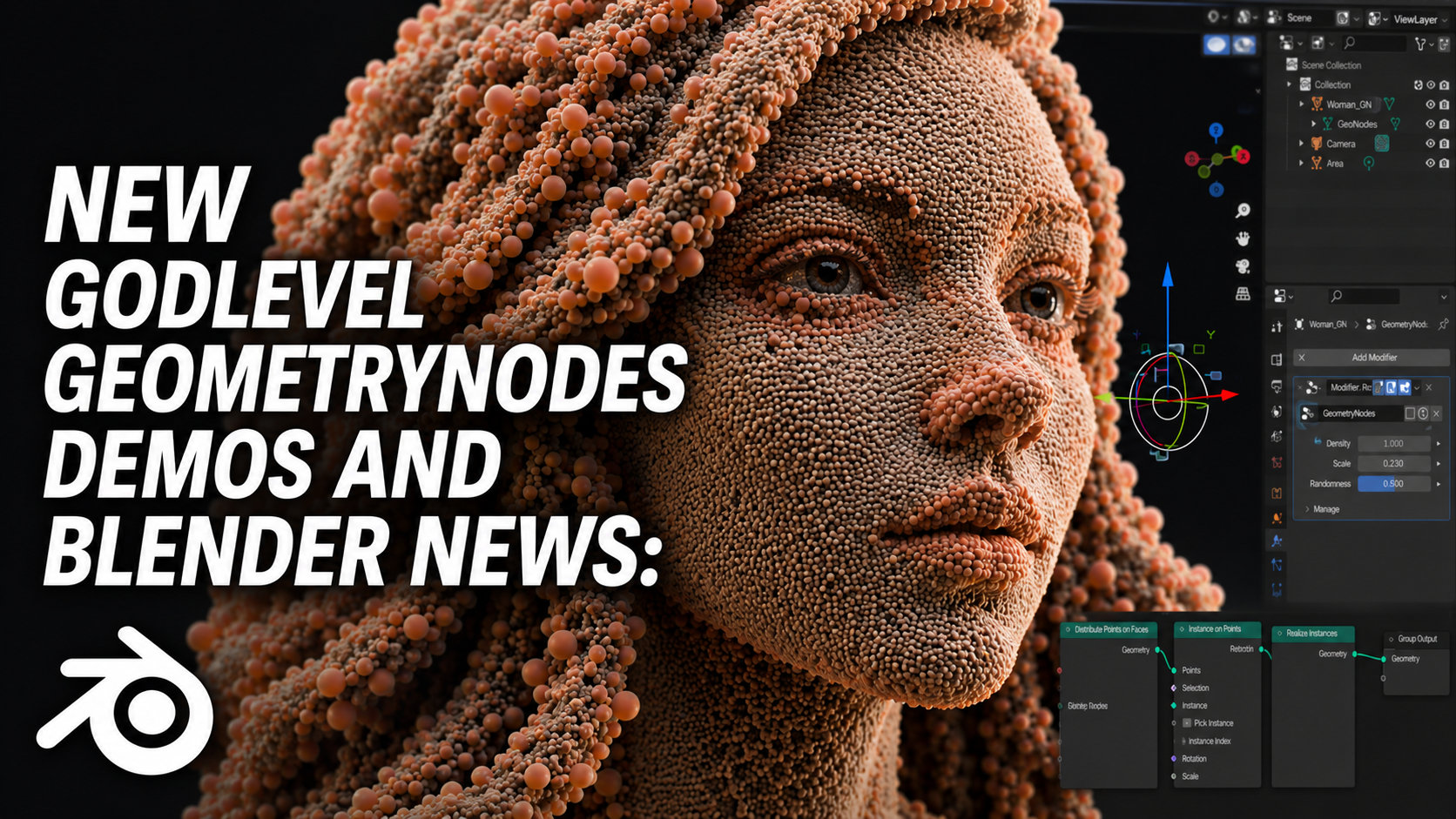
It all starts here. Blender gives you every kind of modeling you could want: box modeling, sculpting, retopology, boolean workflows, modifiers, and even procedural modeling with Geometry Nodes. Whether you’re building low-poly game assets or hyper-detailed character sculpts, Blender’s got the tools.
Sculpting:
Yes, Blender can do sculpting — and it’s really good at it. Dynamic topology, voxel remeshing, brushes galore, multiresolution support — it’s like a lightweight ZBrush that’s built right into the rest of your workflow.
Texturing & Materials:
You can use traditional UV mapping and image textures, or go full procedural with Blender’s powerful shader editor. Want PBR materials? Blender supports them. Want stylized, hand-painted looks? Also possible. And with addons or integrations like Material Maker or Quixel Bridge, you can go even further.
Animation:
From simple keyframes to complex character animation, Blender is a full animation suite. It supports bones, rigging, shape keys, constraints, drivers, motion paths, grease pencil planning — even lip sync. And with tools like Auto-Rig Pro or Rigify, setting up characters is way faster.
Simulation:
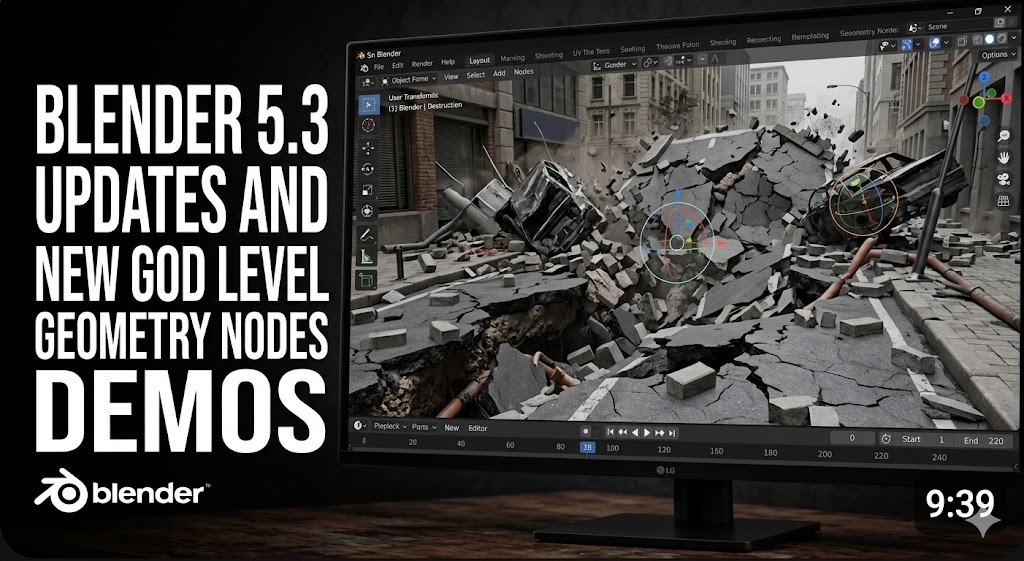
Smoke, fire, fluid, cloth, rigid bodies, soft bodies, particles, geometry nodes simulations — it’s all here. Whether you're crashing buildings, pouring liquids, or making grass blow in the wind, Blender’s built-in physics engines can bring your scenes to life.
Rendering:
Blender comes with two built-in render engines:
- Cycles: a ray-traced renderer for photorealism
- Eevee: a real-time renderer for speed and stylized looks
- You can also integrate external engines like LuxCore, Redshift (via third party), or use real-time pipelines with Unreal or Unity.
Compositing:
You don’t even need to leave Blender to composite your shots. The node-based compositor lets you color grade, add effects, and finalize renders — right inside your project.
Video Editing:
Blender has a full Video Sequence Editor (VSE). It’s not DaVinci Resolve, but it’s surprisingly capable — great for quick edits, sound syncing, and even full YouTube videos.
2D Animation (Grease Pencil):
Blender is one of the only 3D programs with true 2D drawing tools. Grease Pencil lets you draw and animate in 3D space — perfect for hybrid 2D/3D projects or traditional frame-by-frame animation.
Game Asset Creation:
Need to make assets for Unity or Unreal? Blender is the go-to for thousands of indie devs. With export options like FBX, GLTF, or USD, and support for custom normals, vertex colors, and LODs, it’s a reliable part of the game dev pipeline.
Motion Graphics:
With Geometry Nodes, powerful modifiers, and animation tools, Blender is becoming a real contender for motion design. It’s not After Effects — but with the right addons, you can fake it pretty well.
Architecture & CAD:
Blender isn’t just for games and VFX. Archviz artists use it for photorealistic interiors and exteriors. Tools like Archipack, CAD Sketcher, or BlenderBIM extend its power even more.
VR & AR:
Yes, Blender can do VR previews and export content for AR/VR pipelines. It's not a replacement for Unreal or Unity, but you can prep assets and scenes for immersive experiences.
Python Scripting & Addons:
If something doesn’t exist in Blender, you can build it. Python scripting lets you automate, extend, and customize Blender however you want. That’s how the addon ecosystem exploded — with tools for everything from retopology to landscape generation.
Conclusion:
So… can Blender do everything?
Pretty much.
It’s a modeling tool, sculpting tool, animation tool, simulation lab, video editor, compositor, motion graphics machine, and so much more.
And it’s free.
If you’re a 3D artist, there’s really no excuse not to at least try Blender.