

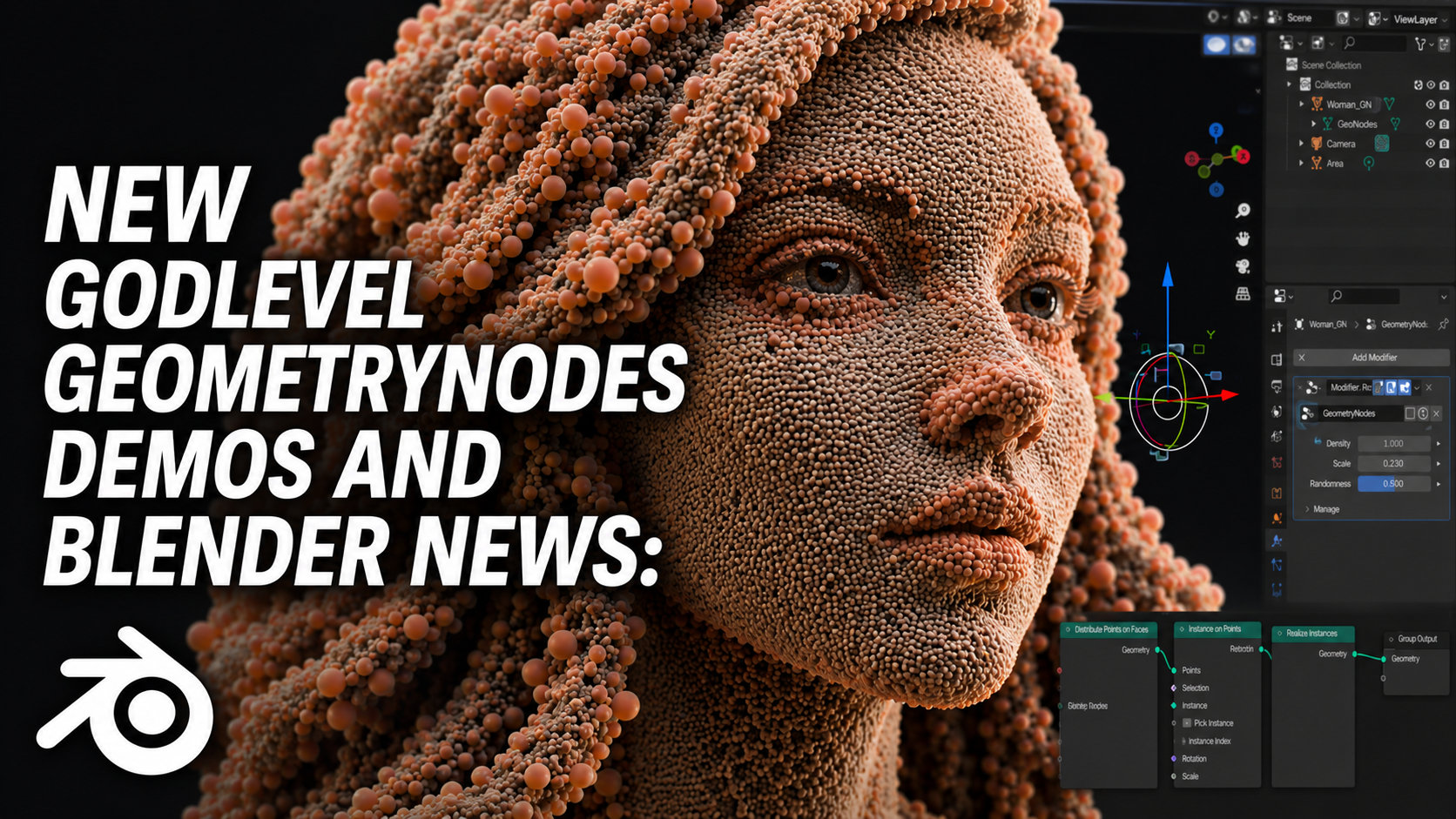
it’s another week, and once again we’re blessed with some wild new Blender Geometry Nodes demos and R&D experiments — so let’s dive in and see what the community cooked up.
Play Doom in blender
starting strong with DOOM. yeah, you heard that right — DOOM inside Blender. just when you think you’ve seen it all, Alex Telford comes along and flips the table. apparently bored with how easy 3D has become, he decided to make the classic DOOM playable inside Blender. it’s like an addon that lives right in the properties panel — with movement arrows, attack buttons, jump keys, and more. you can move, shoot, and even fight enemies… all within Blender’s interface. that’s not just impressive — that’s god-level stuff.
digital effect
next up is a digital effect by llyassel — not exactly Geometry Nodes this time, but a pure compositor magic trick. the setup uses a mix of voronoi noise, mist, and displacement, and while it looks simple at first glance, the results are absolutely mind-blowing. llyassel even shared a screenshot of the node setup, and it’s one of those “how is this so simple yet so good?” moments. i’ve seen similar effects in movies — can’t quite remember which one, but if you do, drop it in the comments so we can compare who did it better.
VDB Color Transfer
then we’ve got Miettinen showing off a VDB color transfer demo — pure wizardry. using Geometry Nodes, he captures nearby pixel colors and transfers them onto a smoke simulation, creating stunning, realistic results in real-time. on the same thread, Urban (aka the explosion guy) shared his own Houdini version of the technique, used in an action scene — and if you’ve seen his page, you already know it’s full of mind-blowing explosions and FX setups.
custom particle solver
we’ve been saying it for years — Blender needs a new particle system. and Constantine is answering that call. his Geometry Nodes–based particle system is what next-gen should look like: collisions, interactions, attraction and repelling forces — basically, Houdini’s vellum vibes inside Blender. particles can stick together to form soft-body shapes, RBD-like objects, or move freely like boids and gases. rumor has it he’s turning this into an addon, and when he does — you know i’ll let you know.
smoke simulations in Geometry Nodes
then there’s Louis Li, who’s testing the new Grid Nodes. he said: “Grid is finally out of experiments... Super happy to see much more volume-related work can be done in Blender.” and honestly, same. now we can make smoke sims directly in Geometry Nodes, modify VDB data, and make objects interact with smoke and volumes — expect a wave of crazy new volume-based setups soon.
auto roof sanctusviz:
next up, Sanctus is back at it, cooking up something special — a roof generator from his upcoming addon SanctusViz. it takes your simple roof geometry and turns it into fully detailed structures with shingles, trims, and realistic materials. and if the name rings a bell, it’s because he’s also the creator of the Sanctus Material Library, one of the most polished material packs around. so when you see him cook, please let the man cook.
collision geometry
for the game devs out there, Specoolar dropped a convex collision shapes generator for ragdoll setups. it creates clean collision shapes from weight paint data — perfect for physics-based rigs. the same creator made Cell Fluids (a 2D real-time fluid sim) and Auto Blender (which blends nearby objects seamlessly). he’s basically bringing game dev tricks straight into Blender — fast, smart, and super practical.
crystals:
and speaking of practical genius, CGMatter is back with a procedural rock filled with crystals. the rock looks incredible, but the breakdown? even better. watching him deconstruct the setup step by step is just satisfying. and of course, he’s the same legend behind Camera Tracker, Genie, Photo Scan, and more — chaos and brilliance, as always.
icity demo
one thing i’m noticing — a lot of these amazing demos are coming from addon creators themselves. take Llinus Ekestam, creator of iCity. he’s been posting previews of how the system works, and the level of control and detail is wild. it’s like watching a real-time city planner at work. devs using social media as their testing ground? i’m so here for it.
#array modifier
then there’s Nahuel Belich, showing off the new Array Modifier built with Geometry Nodes. with Blender 5.0 moving more modifiers to nodes, the benefits are huge — more control, better performance, and consistent workflows. no more chaining curve or bend modifiers just to get variety. now you can instance objects instead of duplicating real geometry, meaning hundreds (or thousands) of copies without slowing down.
tree generator
Imphenzia (Stefan) also dropped a gem — literally. he’s using Geometry Nodes to generate trees for his game, exporting them straight to Unreal Engine with materials set up right inside Blender. i love seeing artists from other ecosystems using Blender in their workflow. and honestly, it’s happening a lot lately — because who wouldn’t want a free, open-source powerhouse that just keeps getting better?
superman
and if you’ve seen the new Superman, you’ll recognize this next one — Cartesian Caramel’s fiery effect. imagine this on a spaceship breaking through the atmosphere, the heat and friction igniting trails of fire. it’s likely using animated noise textures, transparency, and emission shaders, and it looks absolutely cinematic.
roting apple
finally, to close this list of god-level effects, we’ve got Kulldeep with an apple disintegration effect made entirely in Geometry Nodes. it starts as a fresh apple, then gradually rots, shrinks, and deforms, with the textures shifting into decayed patterns. it’s a perfectly layered transition — beautiful, gross, and satisfying all at once. all done procedurally in Blender.
while we’re still on Geometry Nodes — you can learn it too. it’s easier than you think, and once you get it, it changes how you create forever. grab the Master Geometry Nodes Course (it’s on discount right now) and start building your own procedural magic. and the best part? those same skills translate perfectly to Unreal Engine, Houdini, Cinema 4D, and any other software that uses node systems.
and if you’re ready to push even further, try Houdini. it’s not as intimidating as it sounds — especially if you learn it from a Blender artist’s perspective in the Houdini for Blender Artists course. or if you want to go deeper into Blender itself, check out the Advanced Effects Course — motion graphics, commercials, VFX, all inside Blender.